Jenny Mod Minecraft – How Custom Model Install & Download
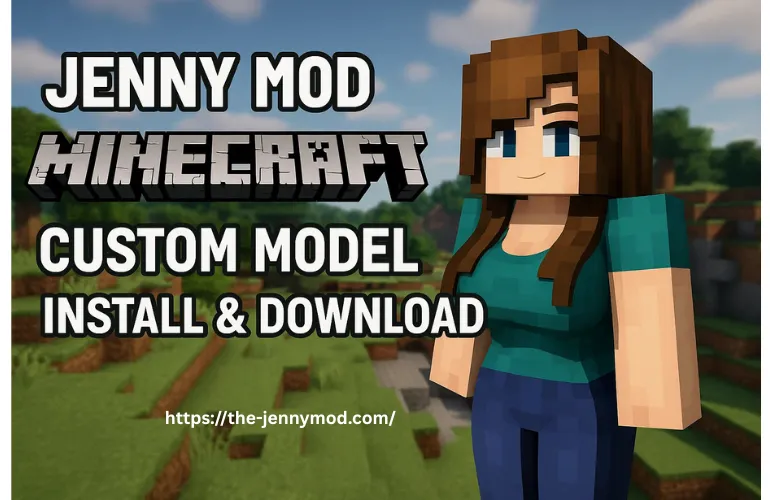
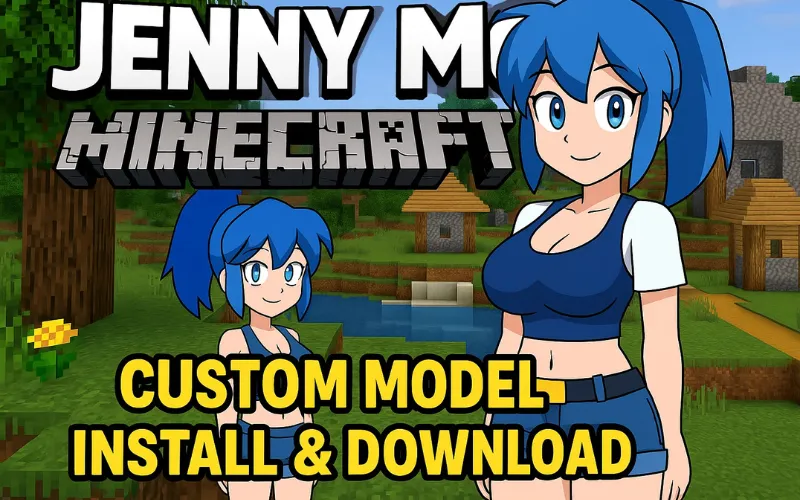
If you ever thought of taking Jenny Mod Minecraft’s gameplay to an elite level, then custom models are the way for your experience because these custom models have 3D characters which are unique, and you can replace Jenny with those characters to get more realism and bring a new twist to the Jenny Mod journey.
But the web is full of all kinds of these versions and their installation steps are a bit hectic. Here in this guide, we are thrilled to introduce you to those real versions for custom models. Likely, this will also elaborate the easy and simple steps for download and installation with safety and security, even though you are new to this world. So let’s dive into it.
About Custom Model
If we are talking about custom model then we are talking about new characters and skins which are of your personal choice. The alteration of the model is possible with the characters you like, you can design these models as you want and find designs online which are inspiring for you. Over there you can change the skin colour, eyes, body and face symmetrics, chest size and hair. This brings appearance totally in your hands and you can do it by installing those custom mod models to replace the default characters.
Download and Installation of Custom Models
For downloading and installing this mod and to get the full benefit of Jenny Mod you need to install some common tools. Firstly you have to select the version you are searching for, for example, Minecraft Forge (Java Edition) and Bedrock/MCPE (Mobile Edition). In addition to these, you will be needing NovaSkin, PMCskin3D, GIMP apps to design your skin texture in these custom models.
Java Edition of the versions is for PC, Mac, and Linux. You will require Minecraft Forge which is called (mod loader).
- And for mobile and Windows, you will need to have Bedrock/MCPE. You need to have add-on like texture packs and behaviour packs.
Make the base for Jenny Mod
Java Edition
- For starting these mods you need to install Minecraft Forge on your device, as this mod runs those mod files in your game after the installation of Forge.
- Download the file Jenny Mod .jar according to your game version.
- Open the mod file (you will find it on C:\users[yourname]\appdata\roaming.minecraft\mods).
- Insert that .jar file into this folder.
- Launch it, Jenny Mod will pop up in your Forge profile.
Bedrock/MCPE
- Forge is not needed in Jenny Mod Bedrock or MCPE. Instead of that you gotta:
- Download Jenny Mod add-on and the format will be in .mcaddon or .mcpack.
- Take this to resource pack or behaviour packs.
- It can be directly inserted from in-game add-on from menu.
- Once this is done, activate the mod in your Minecraft world under Behaviour Packs and Resource Packs tabs setting.
Adding Custom Models
Java Edition
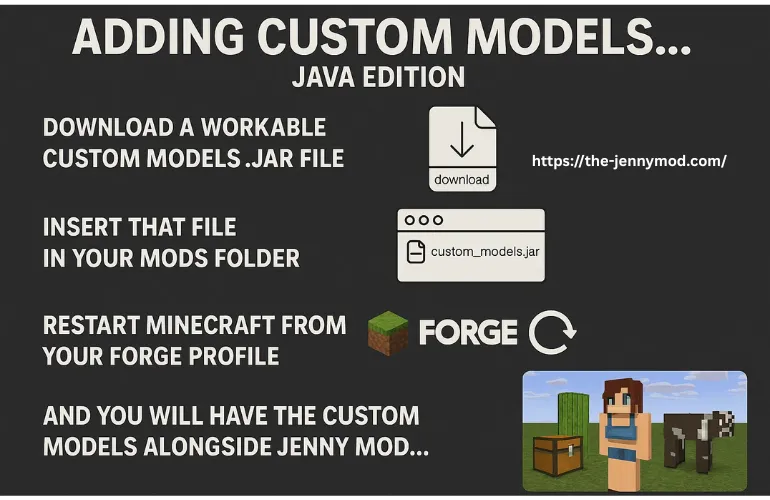
- Download a workable custom models .jar file.
- Insert that file in your mods folder like you did for Jenny Mod.
- Restart Minecraft from your Forge profile and you will have the custom models alongside Jenny Mod.
Bedrock/MCPE Edition
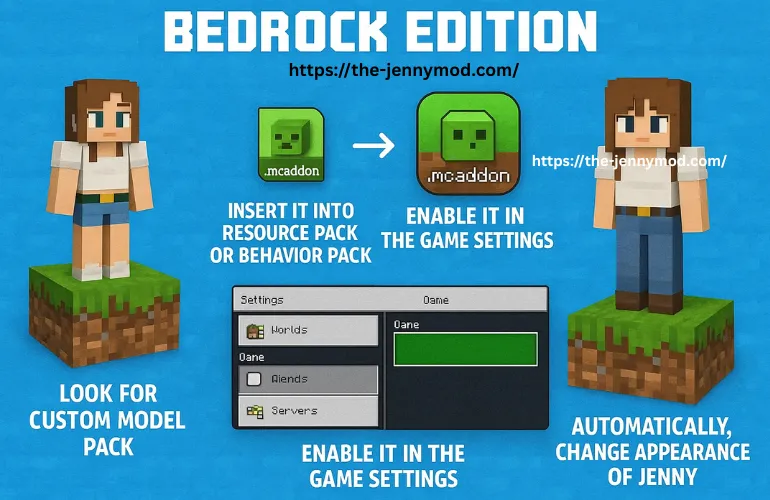
- Look for a custom model pack specifically made for Bedrock (it should be in .mcaddon format).
- Insert it into resource pack or behaviour pack then enable it in the game settings.
- And it is done, these will automatically change the appearance of Jenny and redesign it.
Summing it up
Jenny Mod custom models are a new kink and they are good at it, as they provide new sentiment to the game by bringing new 3D characters. The customization of the characters is in your hands; you can fully design it according to your desires. These custom models are available in Java and Bedrock editions which is engaging larger audiences. These mods bring new life to this crafting game making it more interesting and engaging. Try these models as they are highly recommended and preferred.
About Author

Alex Carter
Minecraft Mod Researcher & Technical Writer
Alex has 6+ years of hands-on Minecraft modding experience on Android. Every guide he writes is based on a personal installation with real screenshots — no guesswork, no copy-paste. He scans every APK with VirusTotal before publishing.