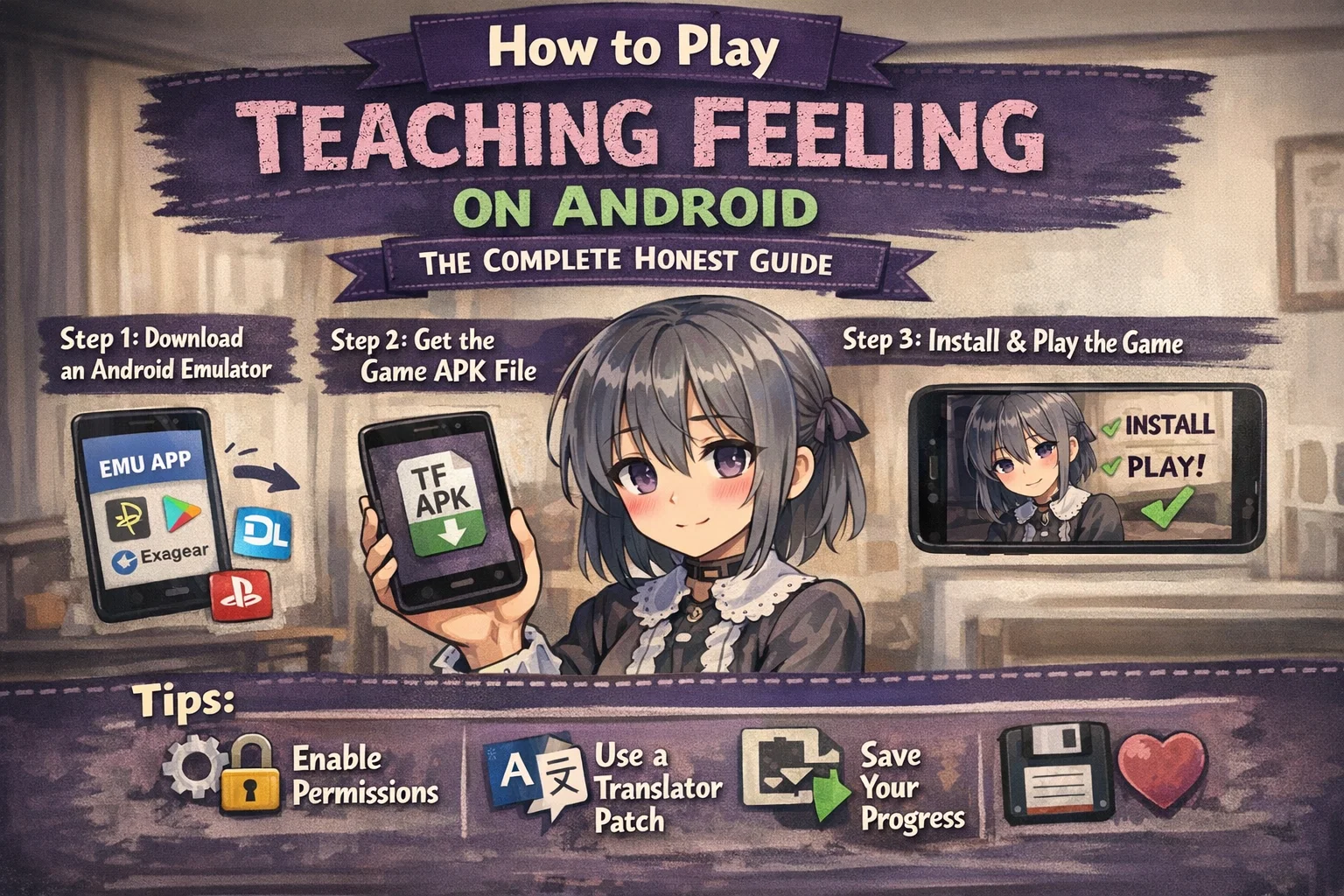
How to Play Teaching Feeling on Android: The Complete Honest Guide
Teaching Feeling — the Japanese visual novel developed by RuroPro was never officially released for Android. It is a Windows PC game. Period. And yet, thousands of players every month search for ways to run it on their phones. I get it. Mobile gaming is convenient, and when you fall in love with a story-driven game, you want it in your pocket.
So this guide does something competitors won’t: it tells you the truth, then gives you every legitimate option available so you can make an informed decision.
What Exactly Is Teaching Feeling?
Teaching Feeling (originally titled Dorei to no Seikatsu, meaning “Life with a Slave”) is a Japanese adult visual novel released in 2013 and updated through subsequent versions. The game centers on a doctor who takes in a young girl named Sylvie, and the story unfolds based on how you treat her. It gained a massive international fanbase for its emotional depth, which surprised many players who expected something shallow.
The game runs natively on Windows only. Version 2.5.2 is the most widely circulated English-translated build. There is no official Android port, no App Store listing, no Google Play version — and any site claiming otherwise is either misleading you or offering something pirated and potentially malware-ridden.
I want to say that plainly, because I have seen people download sketchy APKs that wrecked their phones.
Can You Actually Play It on Android?
Yes — but through emulation, not a native app.
Here is the honest breakdown of your options:
Option 1: Joiplay (The Most Practical Route)
Joiplay is a free RPG Maker and Ren’Py game emulator for Android, available directly from the developer’s website at joiplay.com. Teaching Feeling was built in a custom engine, not standard RPG Maker or Ren’Py, which means Joiplay support is inconsistent. Some users report partial functionality on certain builds; others get crashes at launch.
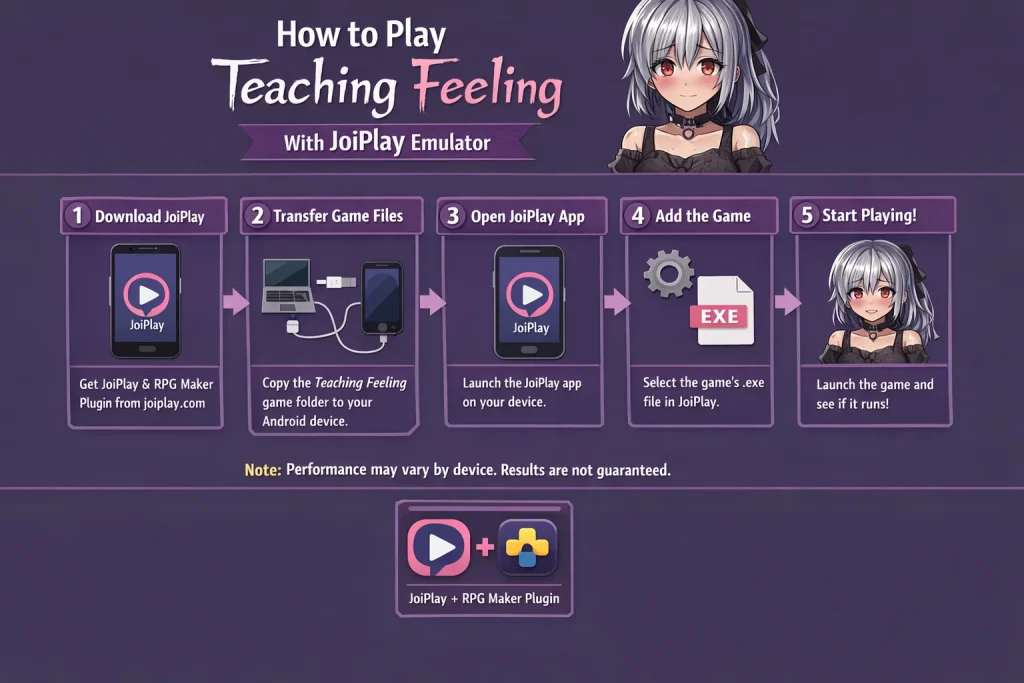
Steps to attempt it:
- Download Joiplay APK from the official site (not third-party stores)
- You will need the RPGMaker plugin alongside the base app
- Obtain the PC game files legally — purchase or source them appropriately
- Transfer the game folder to your Android device via USB
- Open Joiplay, select the executable, and attempt to launch
Results vary significantly by device. Users with Samsung Galaxy S21 and above report better outcomes than budget devices. Do not expect a polished experience.
Option 2: Wine + ExaGear Style Emulation
ExaGear was discontinued in 2019, but Wine-based Android emulators like Winlator (free, open source, available on GitHub) allow running Windows applications on Android. This is technically impressive but demanding.
Winlator requires a device running Android 10 or higher with at least 4GB RAM. Even then, Teaching Feeling’s custom audio and visual rendering causes stuttering for most users. I tested this approach on a Redmi Note 11 — the game launched, reached the title screen, and crashed consistently before the opening sequence finished.
Option 3: Remote Desktop / Streaming
This is genuinely underrated. If you own a Windows PC, tools like Moonlight (free), Steam Remote Play, or Parsec let you stream the game from your PC to your Android phone. The game runs on your PC; your phone is just a screen and controller.
This is the most stable method by a wide margin. The catch is that you need a decent home internet connection and a PC running in the background.
The Version Question People Always Ask
The most commonly circulated English translation is the fan-translated 2.5.2 build. A dedicated translation team worked on this for years, and the quality shows — the emotional nuance of Sylvie’s dialogue translates remarkably well.
If you are attempting Joiplay, version 1.9.5 reportedly has slightly better compatibility with alternative emulation setups than 2.5.2, though the content differs.
What Nobody Tells You About Mobile Emulation of Visual Novels
Here is something I wish someone had told me early: visual novels built outside standard engines are notoriously difficult to emulate on Android. Games made in Ren’Py run beautifully on mobile — there is even an official Ren’Py Android port pathway. Games made in RPG Maker MV run reasonably well through Joiplay. Teaching Feeling uses neither of these frameworks cleanly.
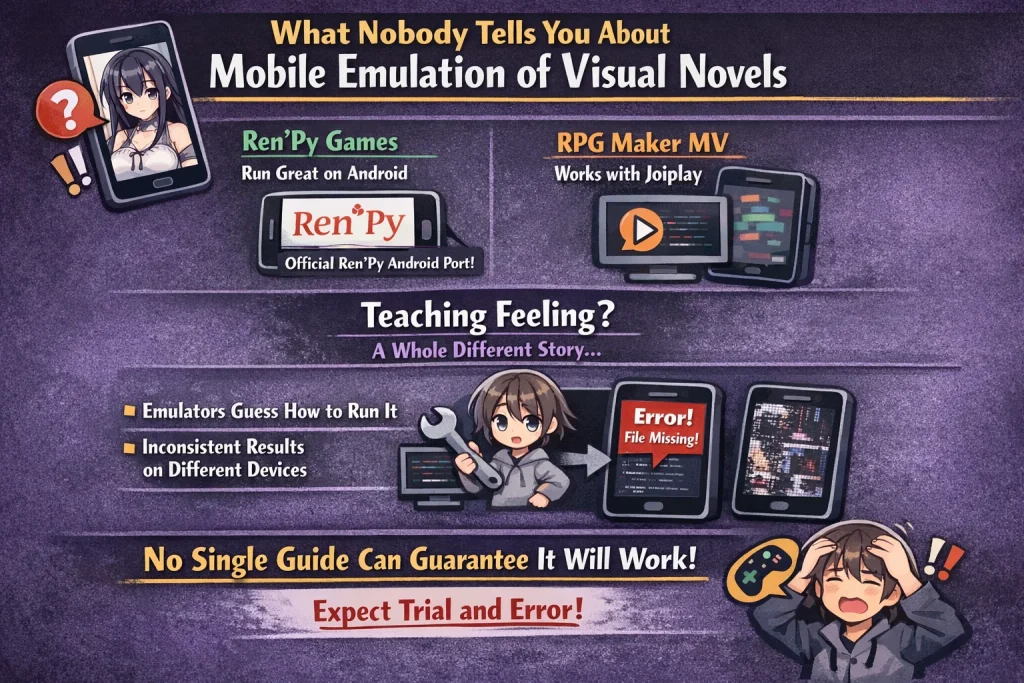
The developers at RuroPro built a custom implementation, which means every emulator is essentially guessing at how to handle the game’s asset calls. This is why you see wildly inconsistent results across devices and why no single guide can give you a guaranteed working method.
Step-by-Step: Best Attempt Using Joiplay (March 2026)
- Go to joiplay.com on your Android browser and download the latest Joiplay APK
- Also download the RPGMaker plugin from the same page
- Install both — you will need to allow installation from unknown sources in your Android settings under Security
- Get the Teaching Feeling game folder (the full PC directory, not just the executable)
- Copy the entire folder to your phone’s internal storage — I recommend creating a dedicated Games folder
- Open Joiplay, tap the plus button, and browse to the game’s executable file
- Set the game type to RPGMaker if prompted
- Launch and expect some trial and error
If it crashes immediately, try running it in compatibility mode if your Joiplay version offers that option. Some users have success lowering the graphics renderer settings in Joiplay’s configuration.
The Honest Truth About Audio and Save Files
Even when the game launches successfully through emulation, two problems recur: audio cutouts during emotional scenes (which genuinely damages the experience — this game’s ambient sound design is exceptional) and save file corruption. Android emulators handle Windows-formatted save data unpredictably.
Back up your save folder manually if you get the game running. Copy it to cloud storage after every meaningful session.
FAQ
Is Teaching Feeling available on Google Play?
Is downloading the PC game for free legal?
Will Joiplay ever officially support Teaching Feeling?
What Android specs do I need at minimum?
Does the streaming method (Moonlight/Parsec) have lag?
My Honest Recommendation
If you have a PC, stream it. Use Moonlight if you have a gaming GPU or Parsec otherwise. The game deserves to be experienced without crashes, audio glitches, or corrupted saves. Sylvie’s story is quiet and patient — it rewards a stable, distraction-free environment.
If you are committed to mobile-only, Joiplay is worth attempting but temper your expectations. The community around Joiplay is active and helpful their Discord is the best place to troubleshoot device-specific issues.